

HexTracker
Inventory control for a working warehouse: every item, every place, every move.
- iPhone & iPad
- Android
- Mac
- Windows
HexTracker is set up for each business, on that business’s own server. It is not sold off the shelf. Tell us what you keep and where, and we’ll talk about whether it fits.
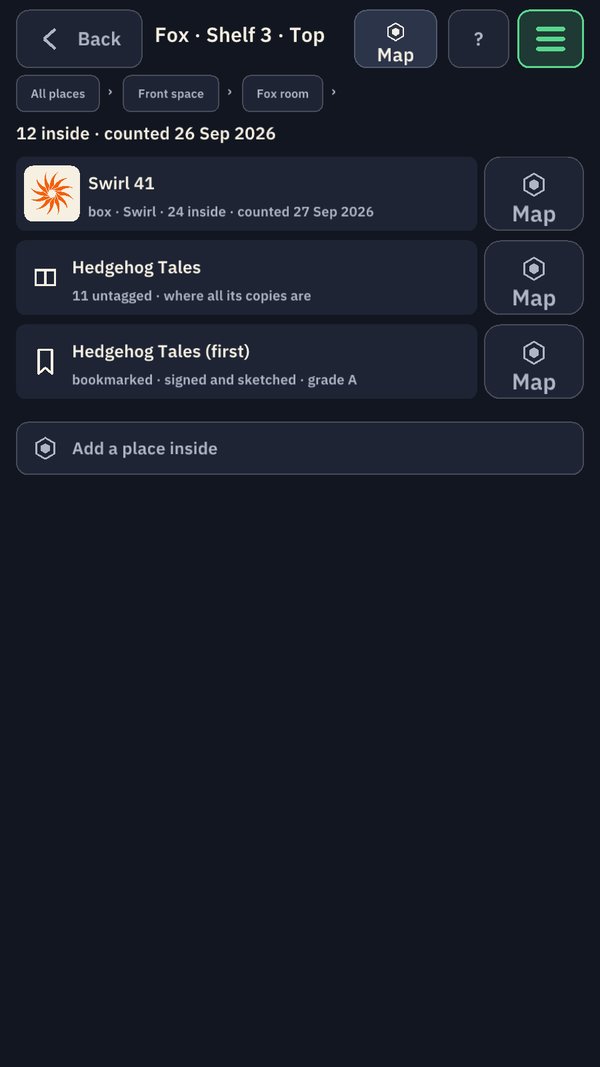
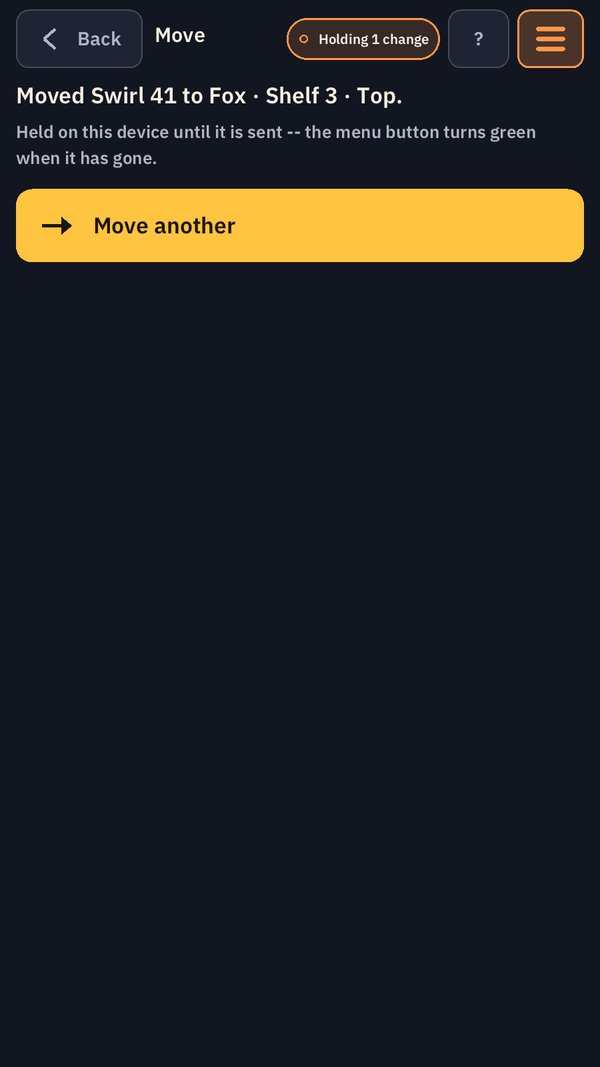
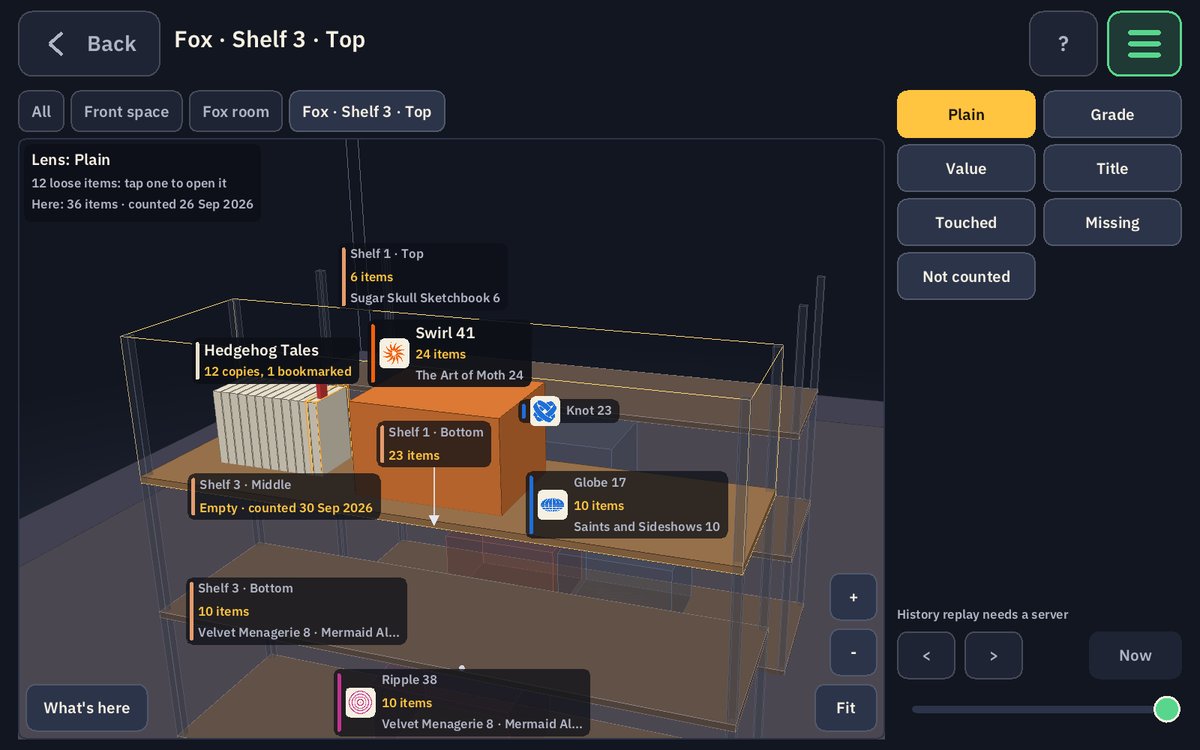
Contact us about HexTrackerHexTracker is stock control for a business with real things on real shelves: books, prints, original art, boxed goods. Every item has its own identity, and every place has a name. Fixed places are named for animals and moving containers for shapes, so “Fox · Shelf 3 · Top” or “Swirl 41” reads at a glance and can be said out loud without a typo.
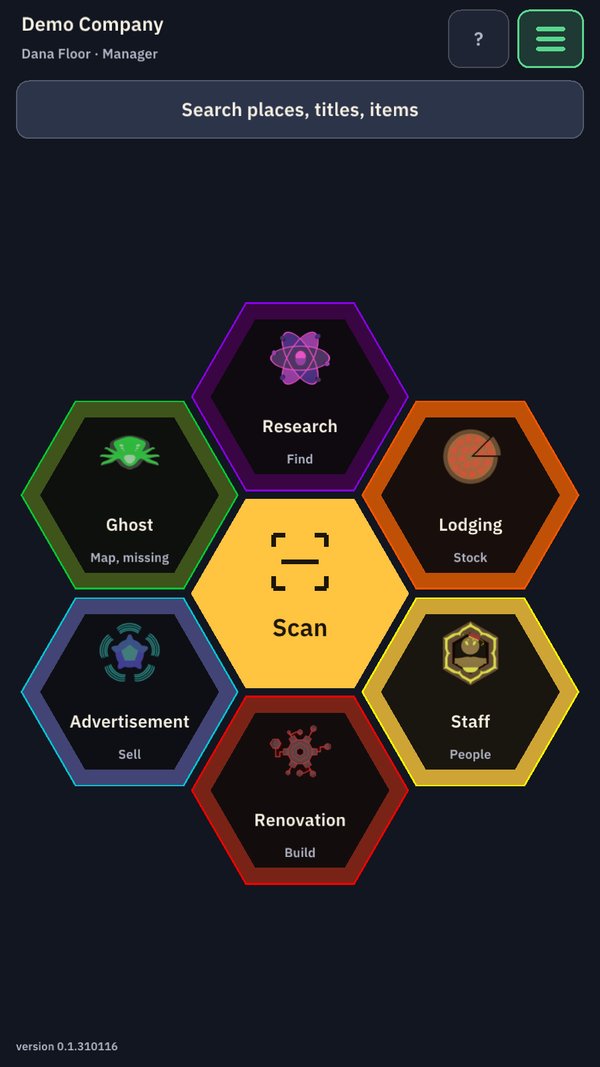
It is built on the engine behind our games, so the warehouse is a map you can open, and every floor screen has big targets, one main action, and text you can read at arm’s length. The main menu is a hexagon of the six Haunted Space Hotel actions, with Scan in the middle.
There’s a game about this. Run a gallery of art and rare books on HexTracker’s own inventory system, and sell to the six species of the Haunted Space Hotel. Meet HexMenagerie →
Nobody overwrites a total
There is no stock figure for anyone to type over. You scan where you are and what you are holding, and every move or count is recorded once, by the person who made it, at the time it happened. Every entry is chained to the one before it, so the record can be checked and can’t be quietly rewritten.
It works with no signal
Every change is saved on the device first and sent on when the connection comes back. Floor work is never lost, and the app always says in words whether it is Live or holding changes.
Your records stay on your server
Each business gets its own HexTracker server. Your records live there and nowhere else. HexTracker has no ads and no tracking.
The home screen
Six actions, one hexagon
The home screen is the Haunted Space Hotel’s action hex: six actions around one big Scan button, each in its own faction colour, each opening a page of hexagons of its own. Every button is at least a thumb wide and says what it does in words.
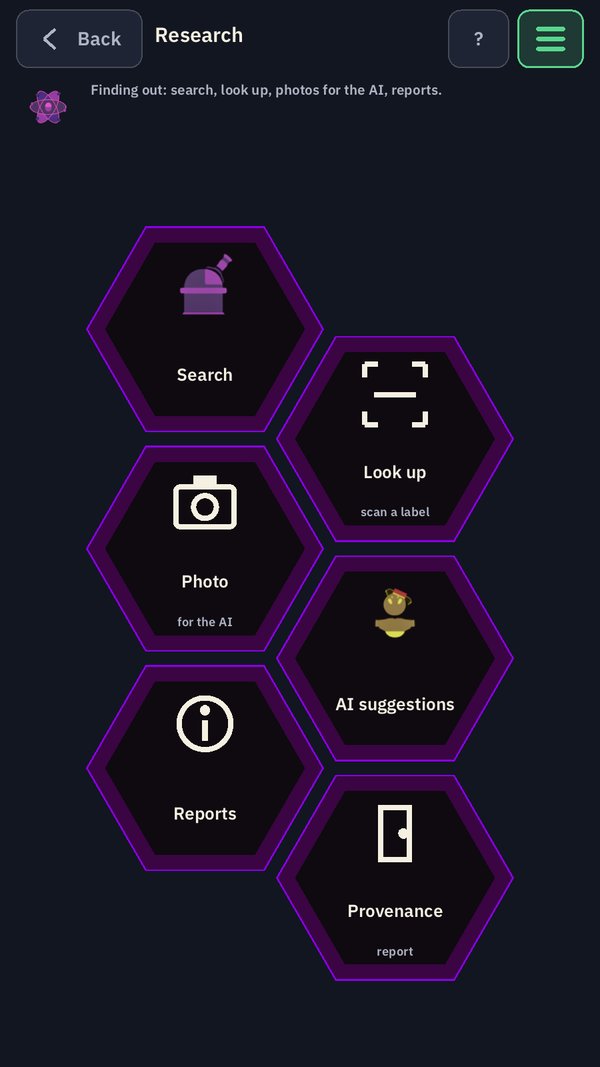
Research Find
Finding out. Search every place, title and item, look something up by scanning its label, photograph a shelf for the AI to read, review what it suggested, and open the reports, provenance among them.
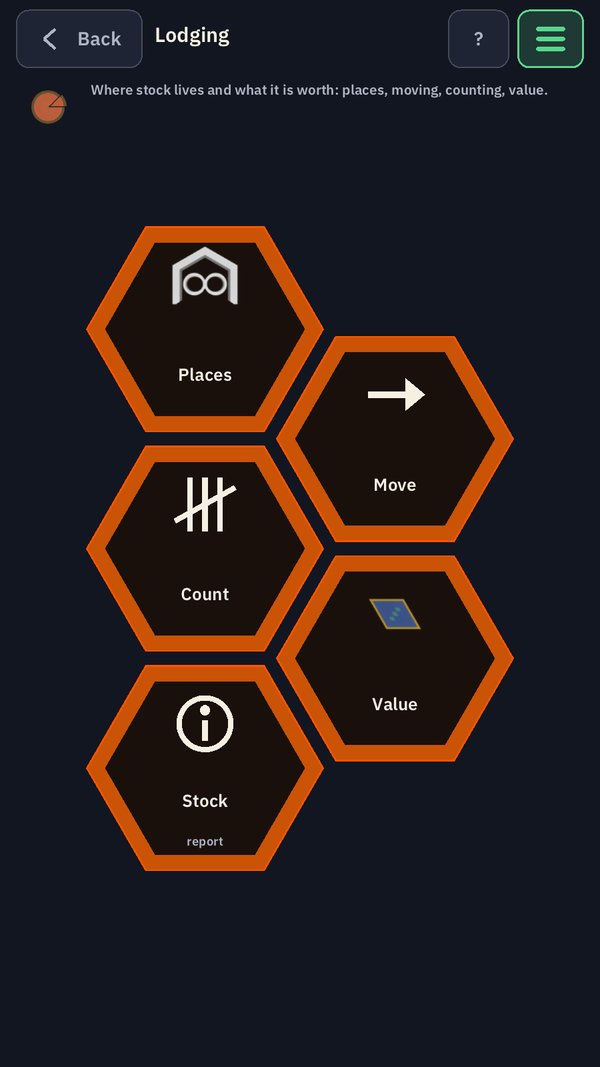
Lodging Stock
Where stock lives and what it is worth. Walk the places from building to room to shelf to box, move a box or a single copy, count a shelf, and see the stock and its value.
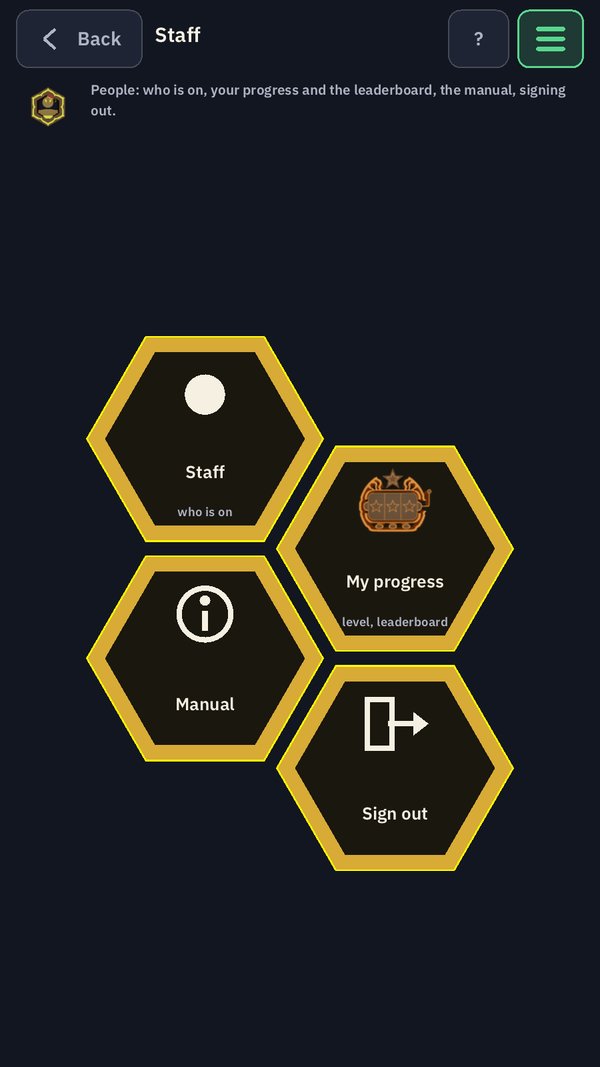
Staff People
The people. Who is in and who is online, each person’s own page with their clock and their progress, the experience and levels they have earned, the manual, and signing out.
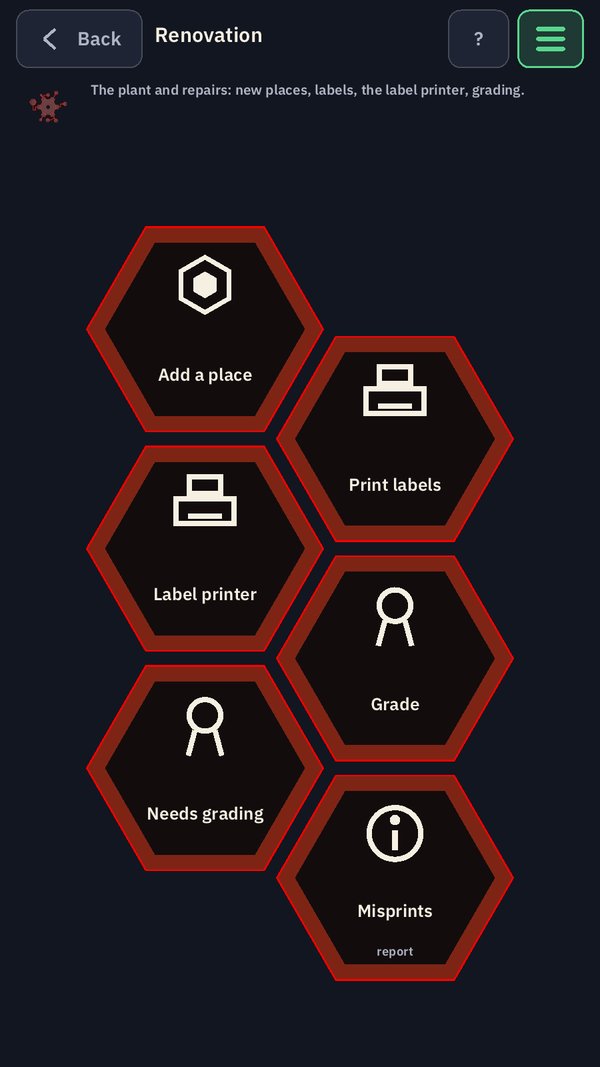
Renovation Build
The building itself. Add a room, a shelf unit or a box, print its labels, set up a network label printer, grade a damaged copy, see what still needs grading, and read the misprints report.
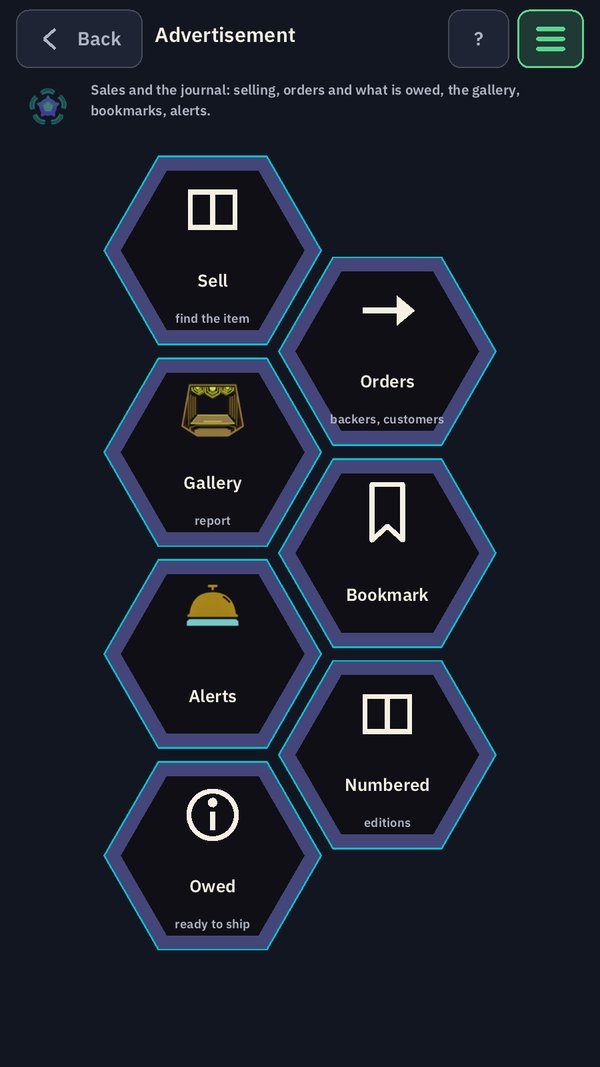
Advertisement Sell
Selling and the record. Set a piece’s sale status and sell it, open orders, bookmark a special copy, see the gallery, the numbered editions, what is owed and ready to ship, and the alerts that need someone today.
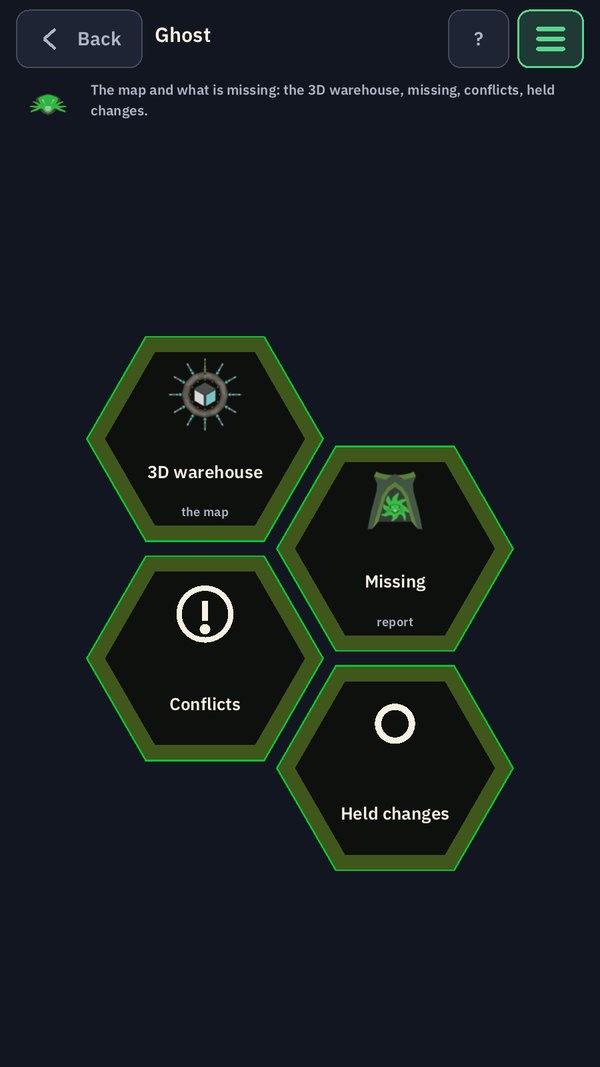
Ghost Map, missing
The map and what has gone missing. Open the 3D warehouse, see everything recorded as missing, settle conflicts when two people recorded the same thing differently, and check the changes this device is still holding.
Scanning
The scan is the whole job.
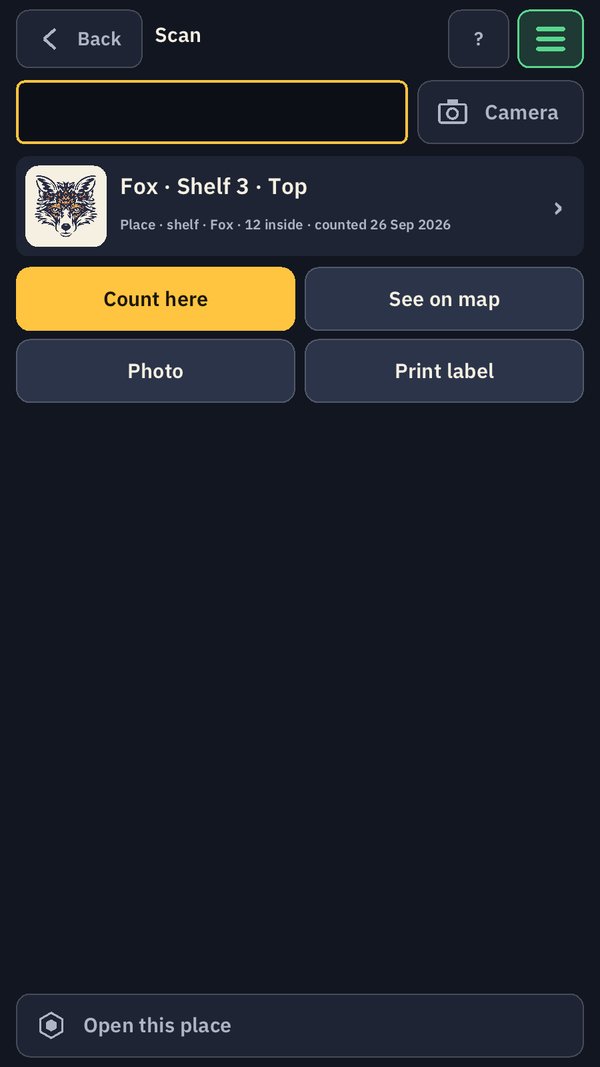
Almost everything in HexTracker is two scans: first the thing, then the place. Scan a box, then the shelf it is going on, and the move is recorded. Scan a shelf, then one book, and you are counting. The screen always says which scan comes next, in big words.
Scan whichever way suits the moment. It is the same scan every time.
- The camera on a phone or tablet is already on. Hold a label in the frame and it reads by itself.
- A plain handheld barcode gun works too, and is usually fastest at a desk.
- Nothing scans? Type the short code printed under the barcode.
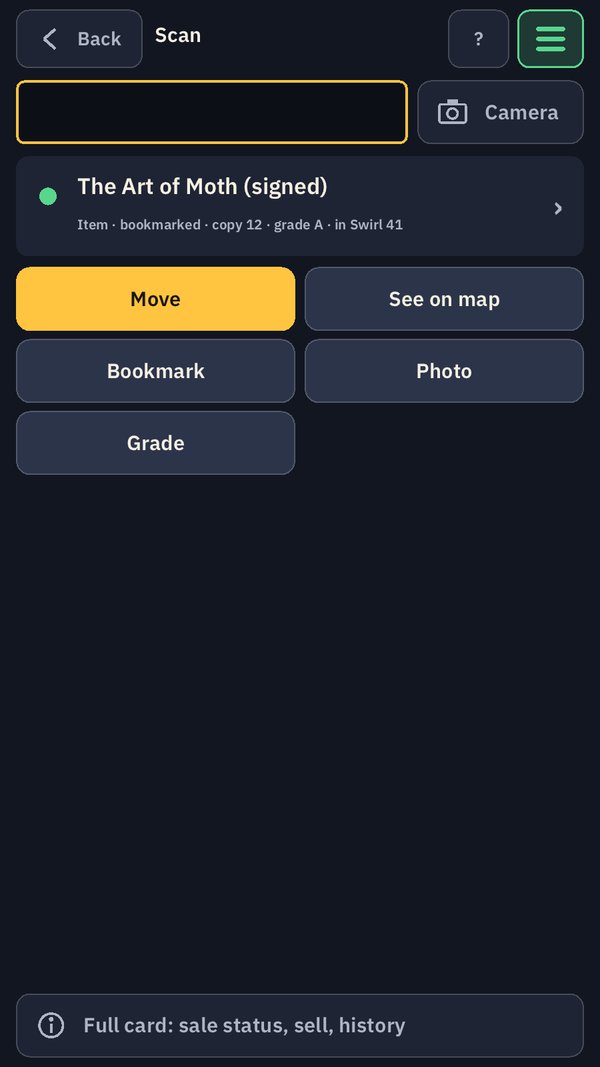
- A scan opens a card for what it found, with the things you can do with it right now: move it, count here, see it on the map, photograph it, print its label.
- Shelf, room and box labels work with no signal at all, because the list of places lives on the device.
The trackers
Labels you print yourself, codes any scanner reads.
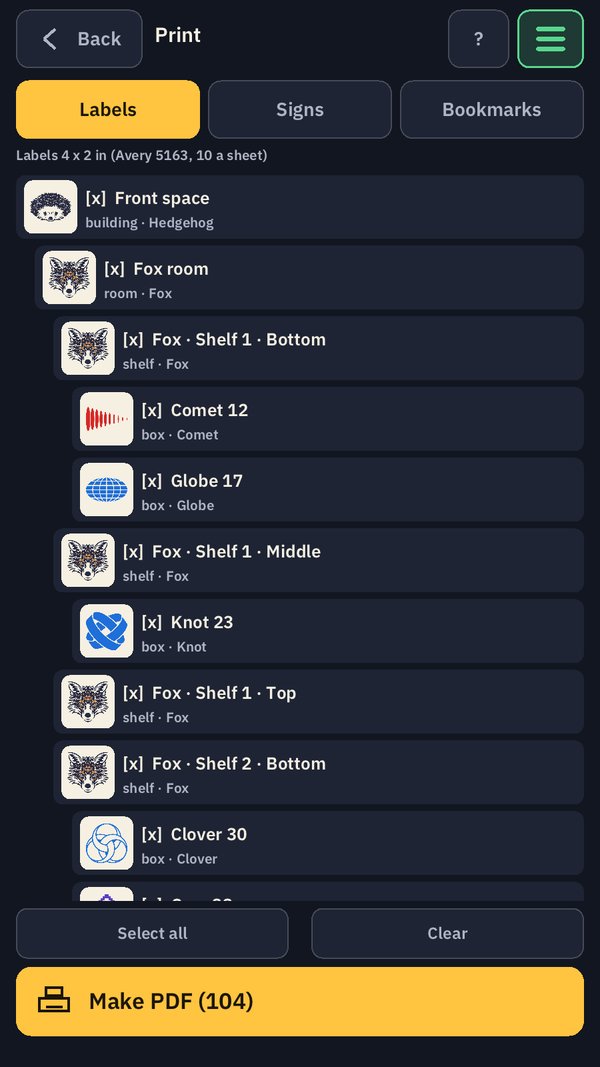
HexTracker makes its own printable sheets for any ordinary office printer, as a PDF. There are no printer drivers to install. Pick the places, tap Make PDF, load the sheets, print.
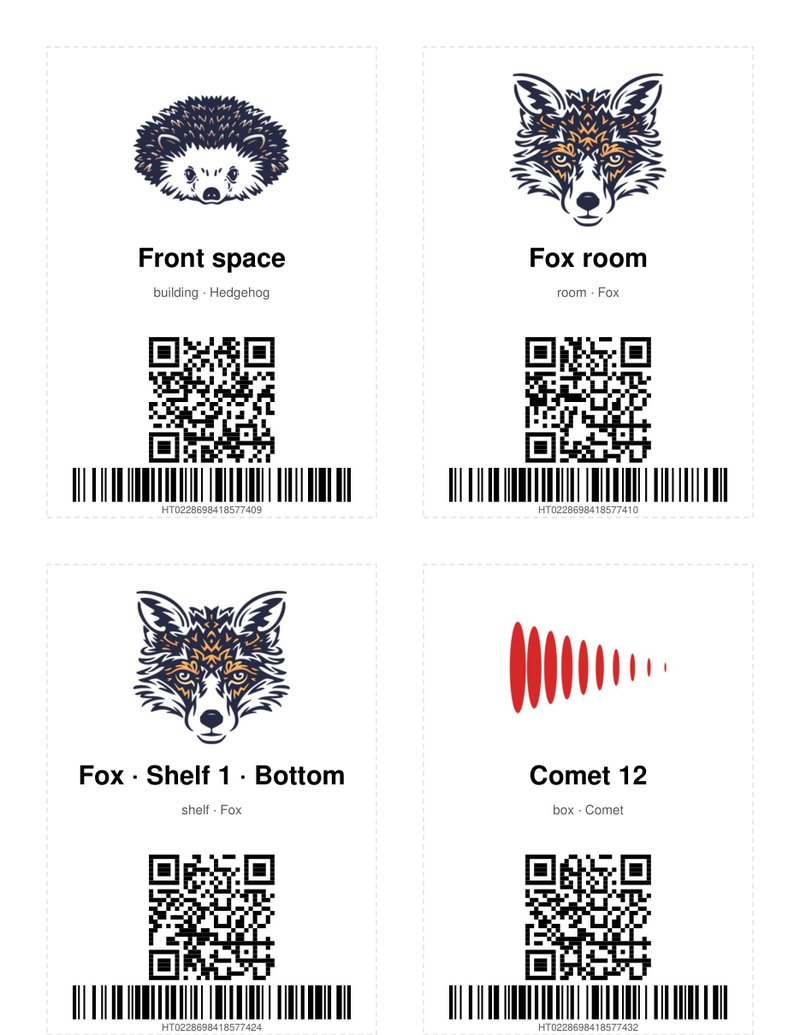
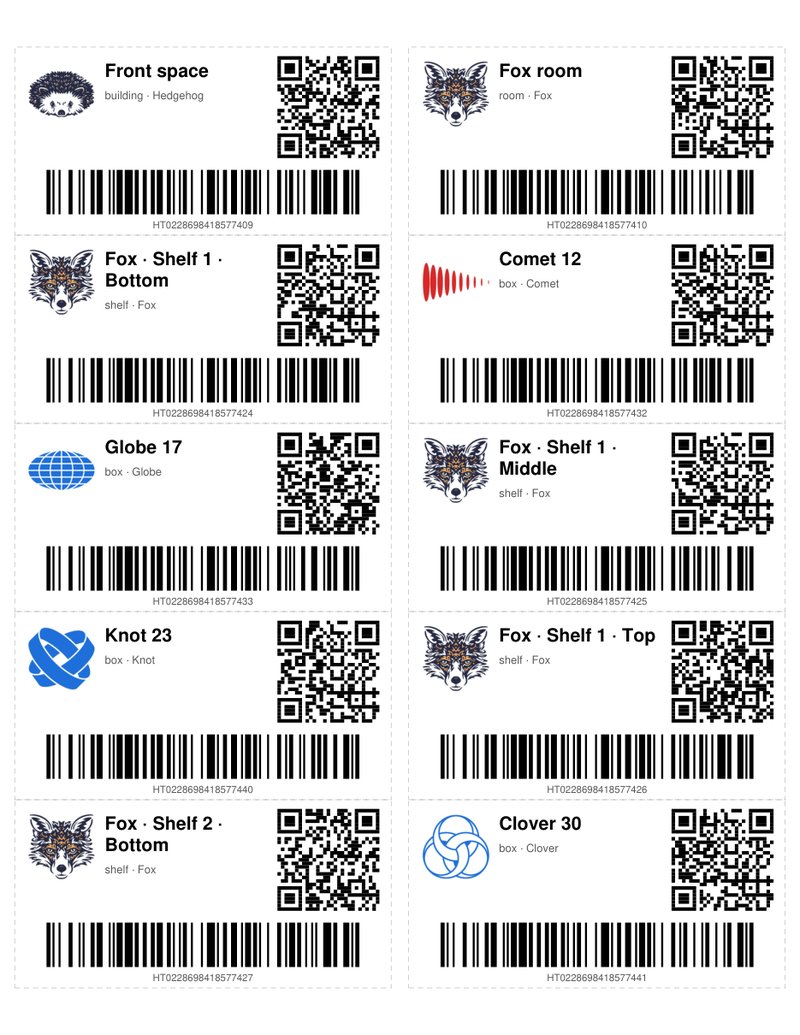
Every label carries the place’s name and its animal or shape picture, a QR code for phone cameras, and a barcode with a short code, HT and 16 digits, printed in words under the bars. The short code is made to print cleanly on a cheap printer and to read with a plain barcode gun. Both codes find the same place, with or without a signal.
- Labels, 4 × 2 inches, for shelves and boxes. Signs, 3.5 × 5 inches, for rooms and storage units, with the big animal picture.
- Bookmarks, 2 × 9 inches on acid-free card, for special items. Nothing sticky ever touches a collectible.
- A Zebra label printer on the network prints straight from the app, also with no driver.
- Every print is recorded. Print the same label twice and the second is marked as a replacement, so everyone knows the old one may still be out there.
Every item, its own identity
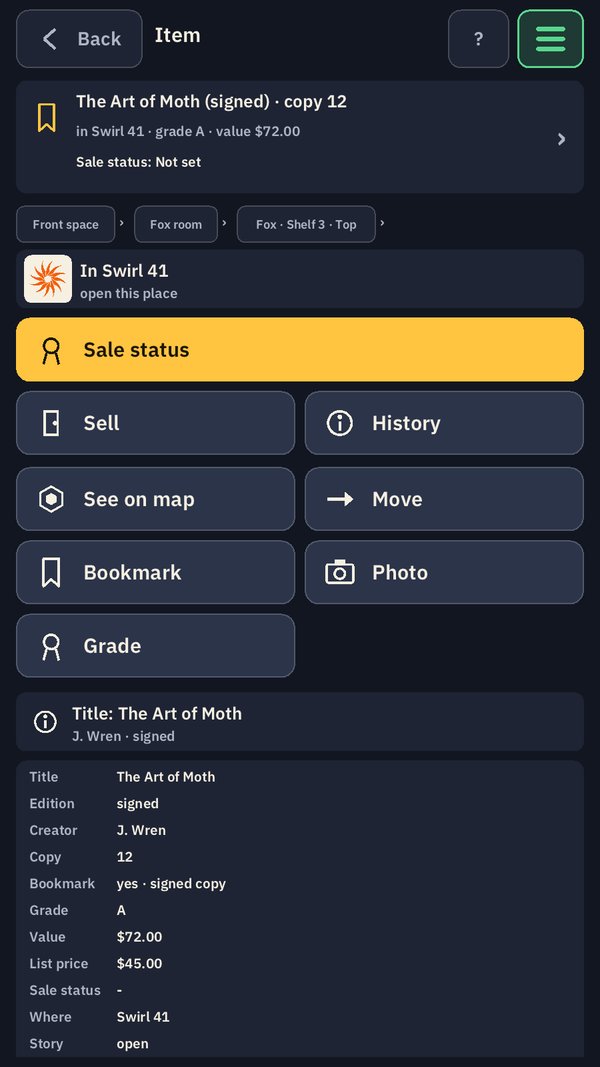
Copy 12 of 250 is not just another copy.
Most stock is simply “36 copies on this shelf”. A book’s own barcode, its ISBN, tells HexTracker which title it is, but never which copy, and HexTracker is honest about that. Titles with no barcode at all get a printed title card with a code of their own.
A special copy gets a bookmark, and from then on HexTracker follows that one copy for the rest of its life: signed, numbered, damaged, pulled for a customer, or chosen for another reason.
- Numbered editions ask for the copy number written in the book. A second copy 12, or a copy 300 of 250, is refused on the spot.
- The numbers nobody has found yet are listed as unaccounted for, for example 1–11, 13–40.
- Each item’s card shows where it is, its grade, its value and its sale status, and opens its history: every entry that ever touched it.
- Sale status is its own fact, apart from where a piece sits: for sale, reserved for someone, not for sale, or on loan.
Counting
Count what you see. The record does the rest.
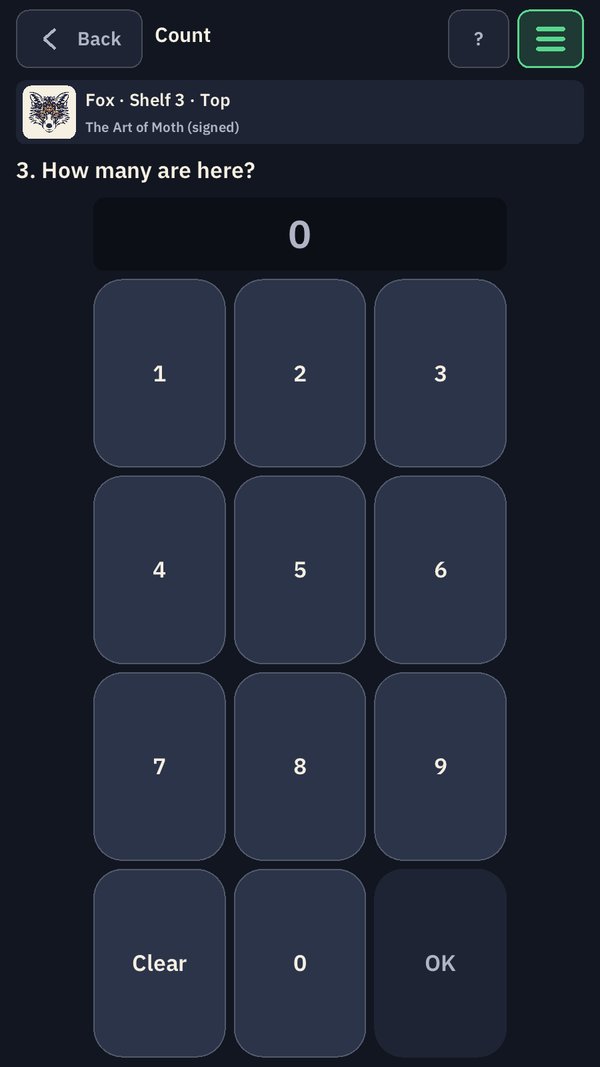
To count a shelf, scan its label, scan any one copy of a title (or tap it in the list), and enter how many you see on a big keypad. Nobody types a title, and no stored total exists for anyone to overwrite: the count is an event in the chain.
A count ends with a person saying “That’s everything here”, and from then on the shelf reads as counted, with the date. An empty shelf can be counted too. A shelf nobody has counted is never shown as empty: it says not yet counted, because empty is something only a count can tell you.
- Fewer than the record says? The difference is recorded as missing, with who counted and when.
- More? The extras come back from missing first. Nothing is quietly adjusted.
- Honest bad news is welcome, and it earns the most experience.
Photos
The AI reads the shelf. A person decides.
Scan a shelf’s label, then photograph it, and the photo goes to an AI that reads it and suggests what is there: the title, how many, their condition, anything worth a note. Nothing it suggests is recorded on its own say-so.
Each suggestion waits beside its photo for a person to accept it, correct the title, edition or count first, split it when two different things share one pile, or reject it. What is accepted enters the record as suggested by the AI from that photo and confirmed by that person, and the photo stays attached to the shelf it shows.
- If the AI sees damage, a count still can’t grade: the copies are marked as needing grading, and a manager grades them in hand, with a photo of the flaw.
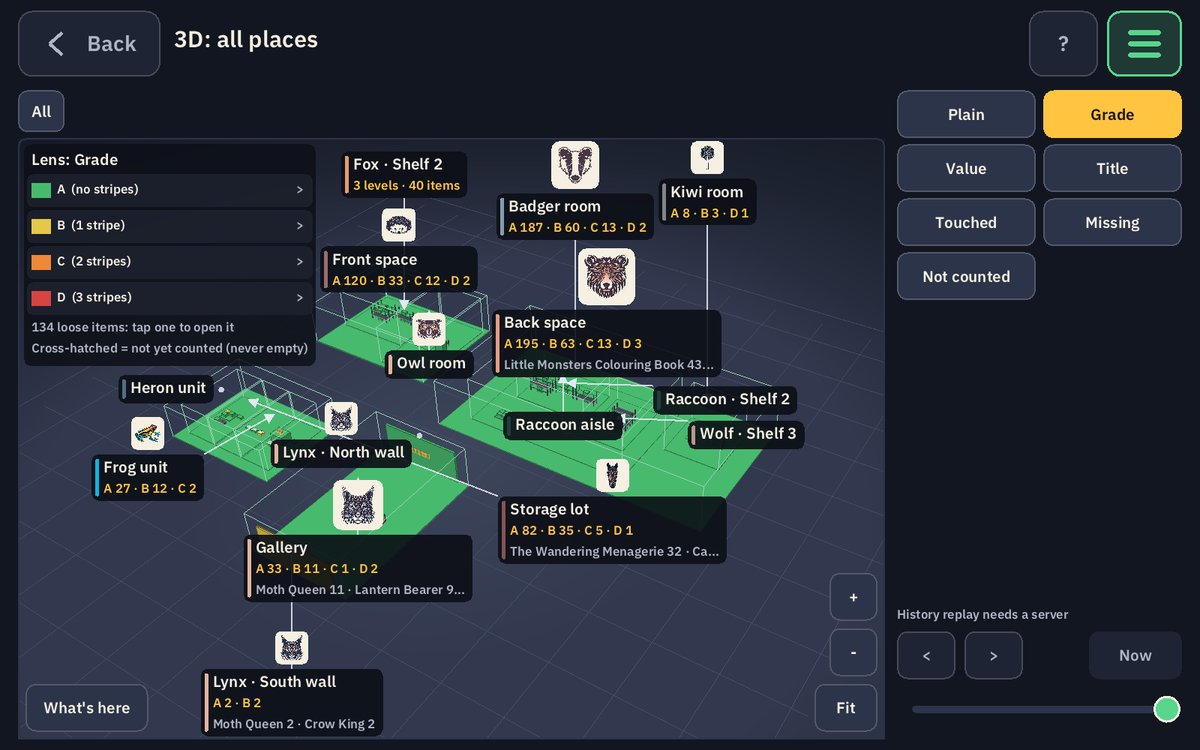
- A grade lowers the price on a scale the company sets, for example A full price, B light wear, C visible damage, D destroy or donate.
No signal
Floor work is never lost.
Metal shelving and a basement storage unit do not stop work. Every change is written to the device first, in order, and sent the moment there is a connection. Sending twice is safe, so nothing is ever recorded twice.
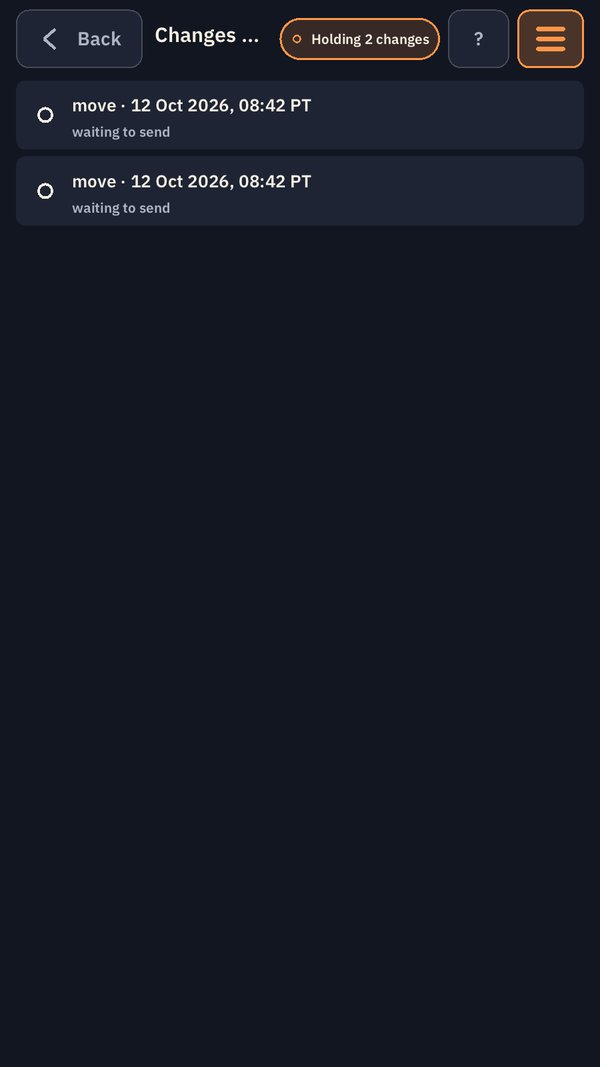
The top of the screen always says which it is, in words, not just a colour: Live, or Holding 2 changes. Tap it and you see every change still on the device, newest first, and where each one stands.
- Moving, counting, photos, bookmarks and grading all work offline.
- A change the server flags for a manager says so, and a refused one says why.
Find anything
If it is on the screen, you can tap it.
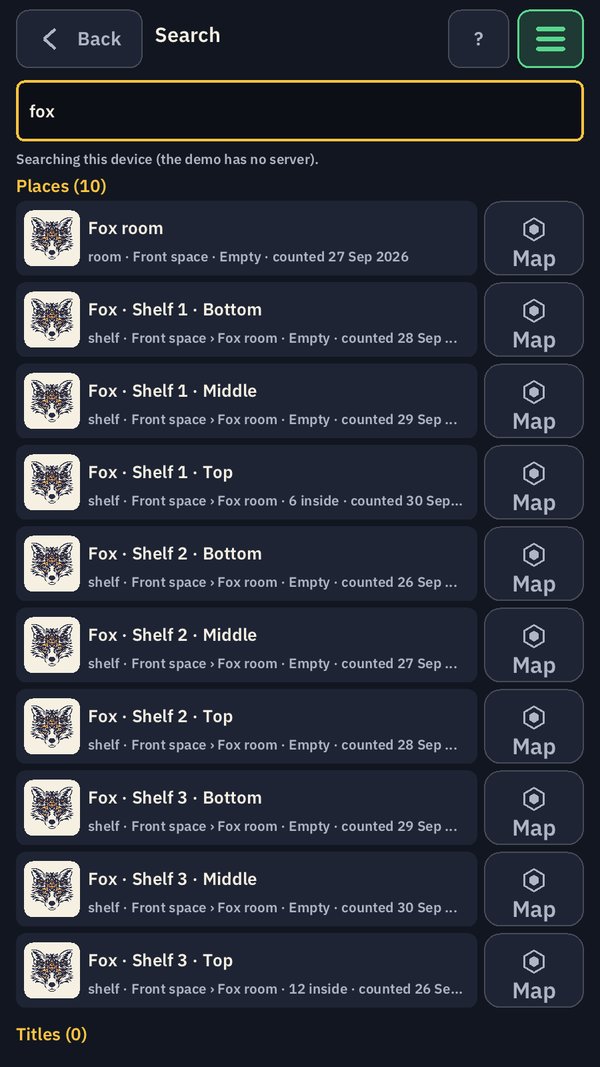
Search runs across places, titles and items, and every result opens what it names, with a Map button beside it. The same rule holds everywhere in HexTracker: every row, card, name, photo and 3D object opens what it names.
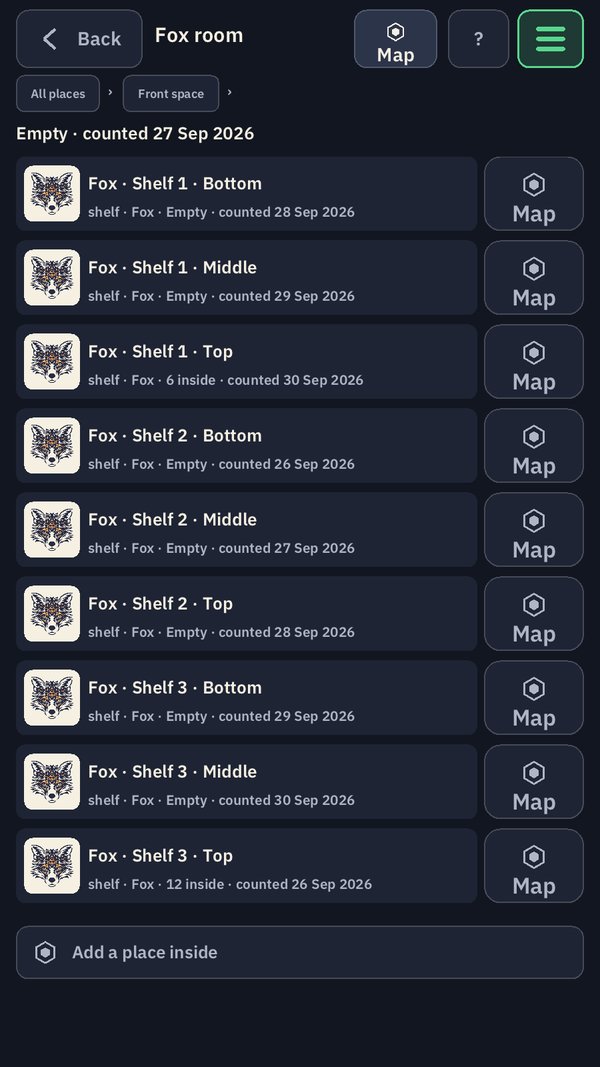
Fixed places are named for animals and moving containers for shapes, so a search for “fox” brings back the whole Fox room, shelf by shelf, with what each one holds and the day it was last counted.
What HexTracker is for
Books and small presses
Scan a book’s own ISBN and HexTracker knows the title and edition at once. Titles with no barcode get a title card with a code of their own. Hand-numbered limited runs are bookmarked copy by copy: it records copy 12 of 200, refuses a second copy 12, and shows which numbers are unaccounted for.
Galleries and original art
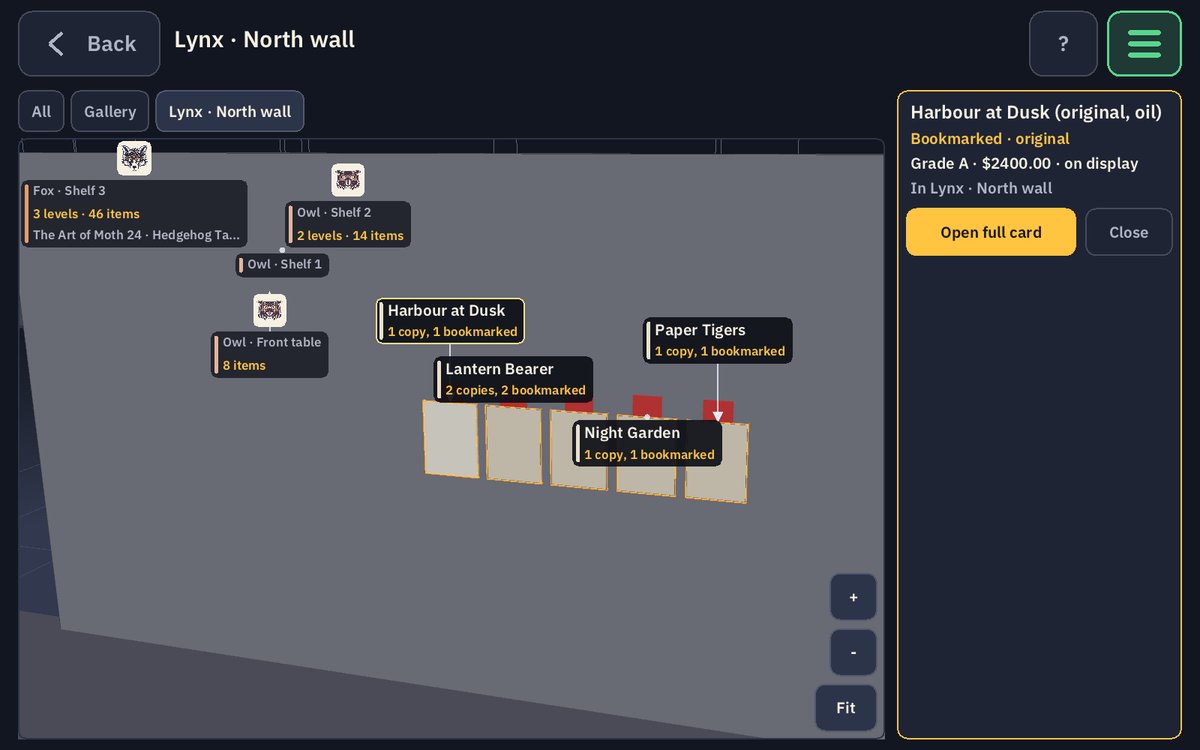
Where a piece is and whether it can be sold are kept as two separate facts: for sale, reserved for someone, not for sale, or on loan. Work on loan is never counted in the company’s value. Damage is graded, and the grade lowers the price.
Orders and fulfilment
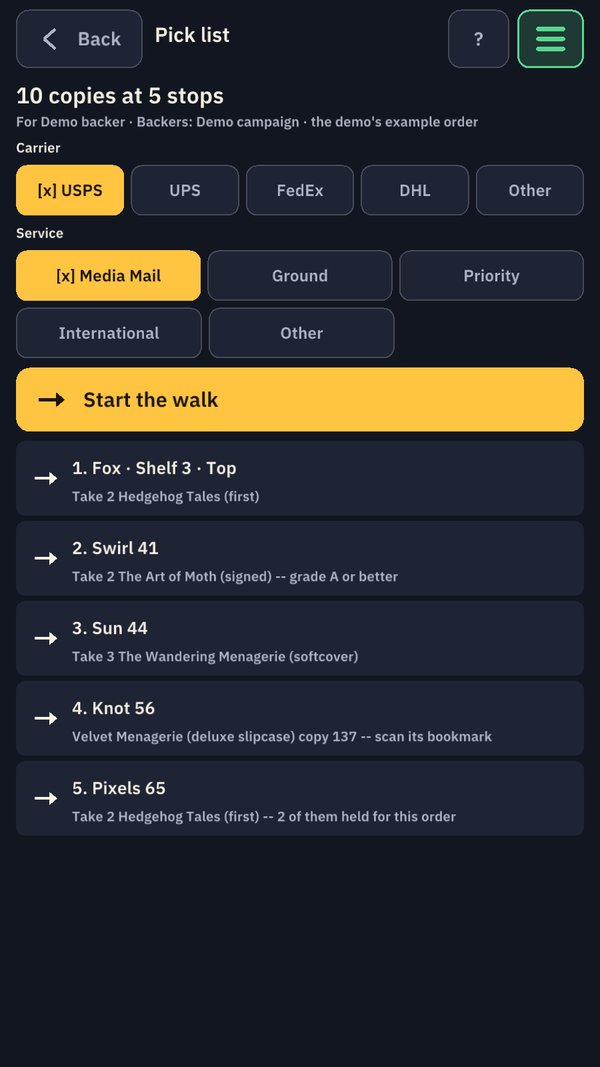
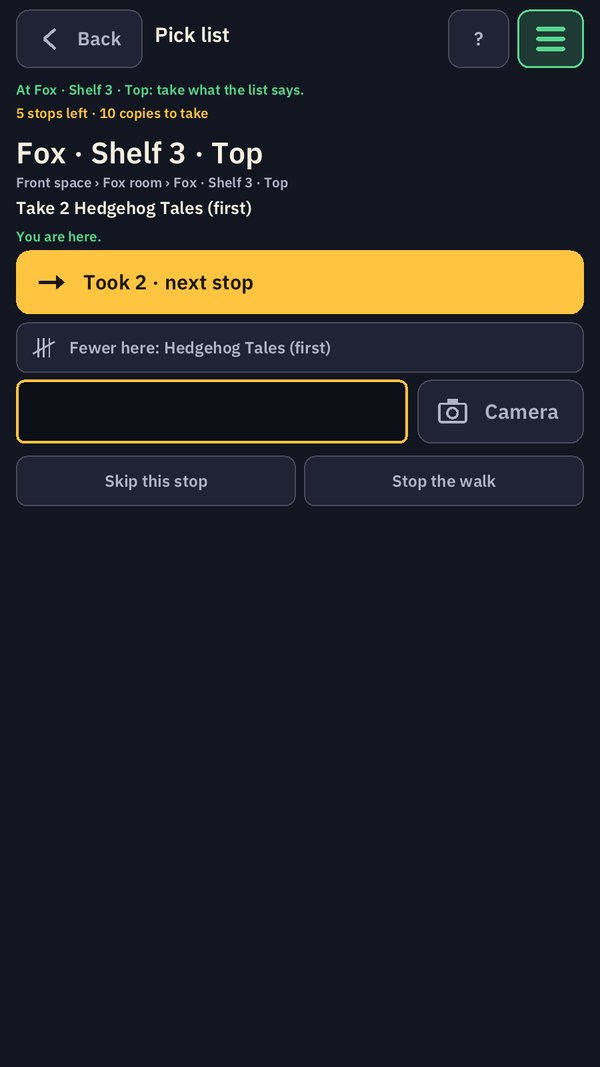
One screen shows what is owed against what can actually ship. A pick list walks one person shelf to shelf in order, with the carrier and service already chosen. If a shelf holds fewer copies than expected, or one can’t be found, the person says so at that shelf and the record follows.
Stocktakes you can see
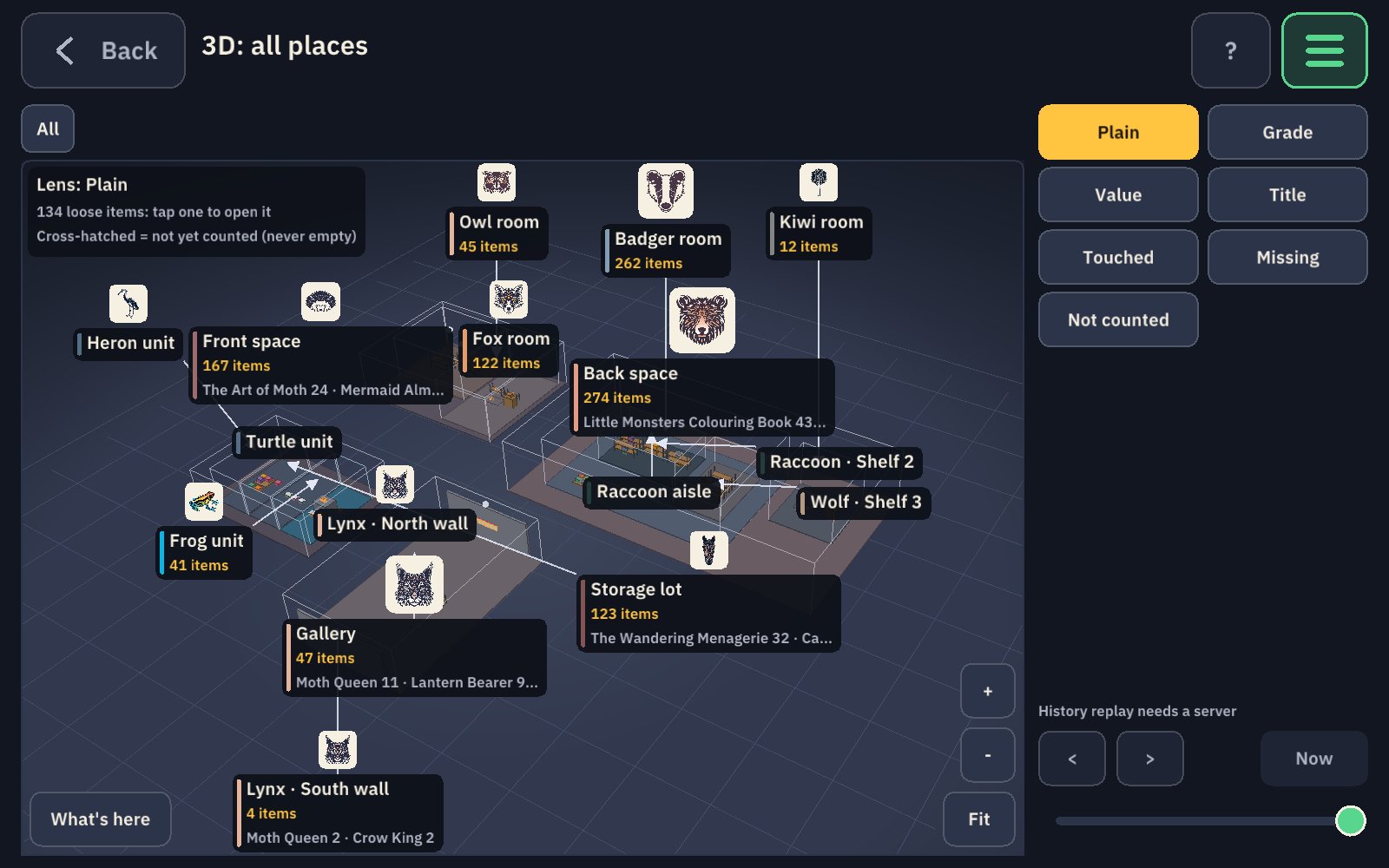
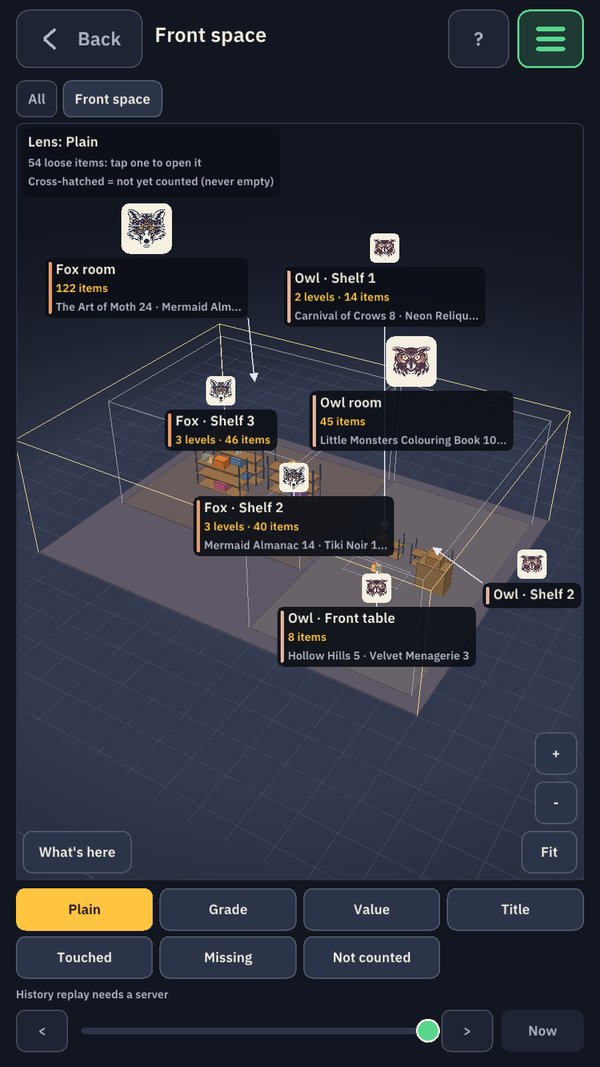
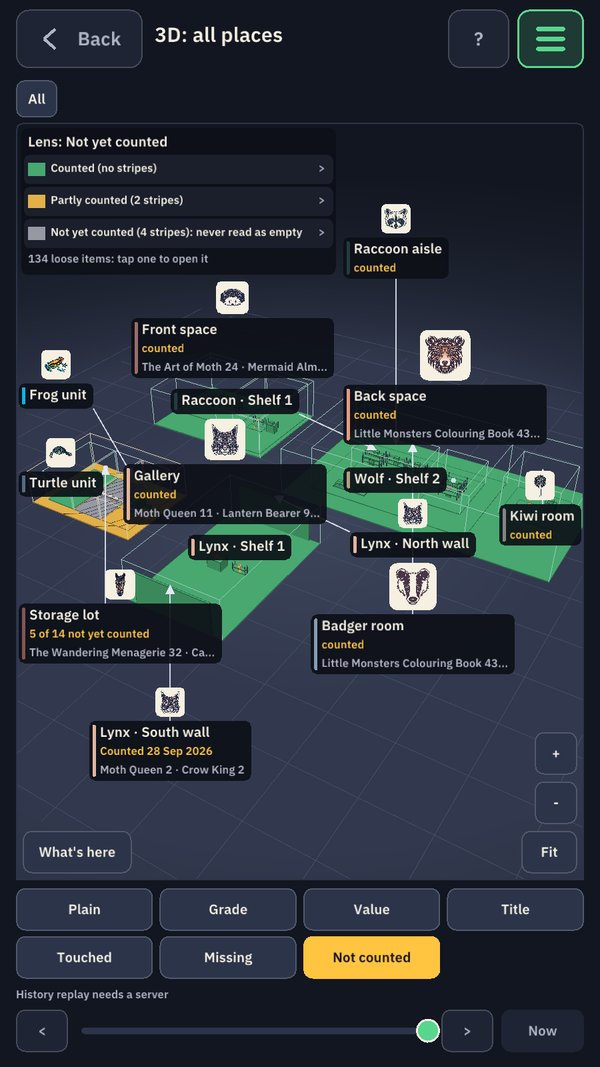
The warehouse is a 3D model you open like a dollhouse, and anything it displays can be tapped and opened. A place nobody has counted yet is shown as not counted, never as empty, so a recount knows exactly where to go.
Labels and photos
HexTracker prints its own shelf labels and copy bookmarks, with short barcodes made to print and scan cleanly. Photograph a shelf and it suggests what is there, but nothing is recorded until a person confirms it.
The people doing the work
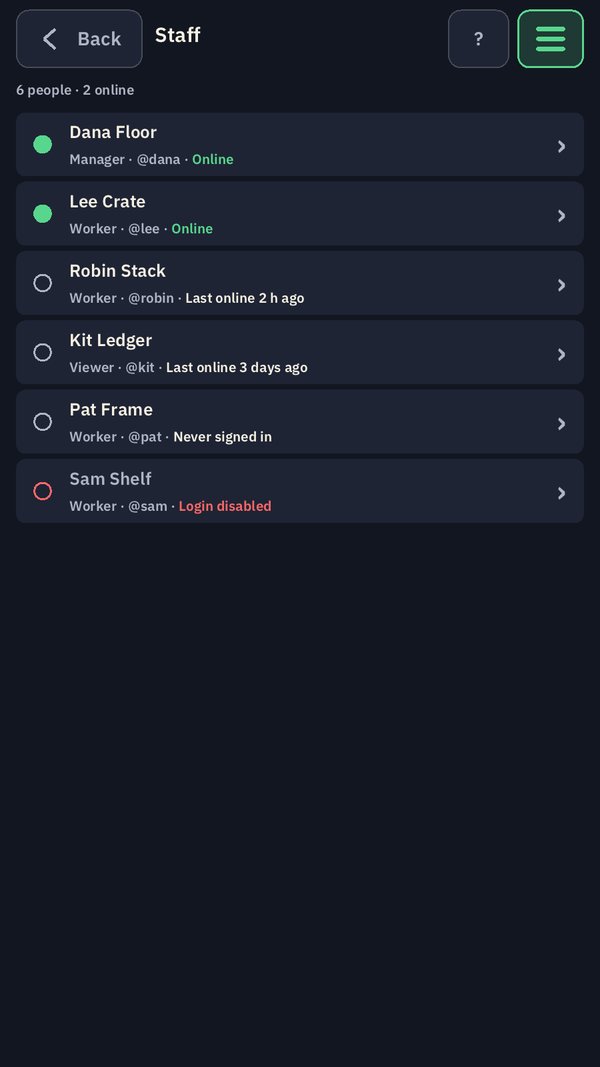
Everyone signs in with their own username and one of four roles, and clocks in and out. Honest work earns experience and levels, with no cap. Only an administrator can change someone else’s clock.
The 3D view
The warehouse, opened like a dollhouse
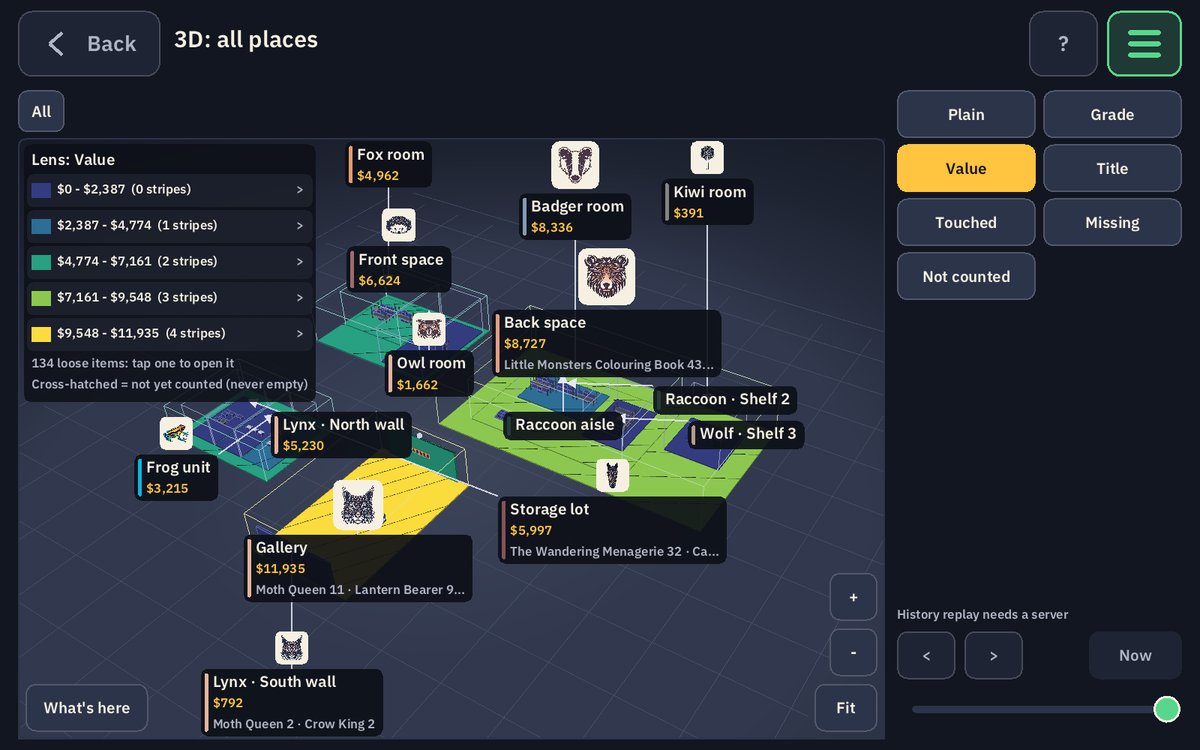
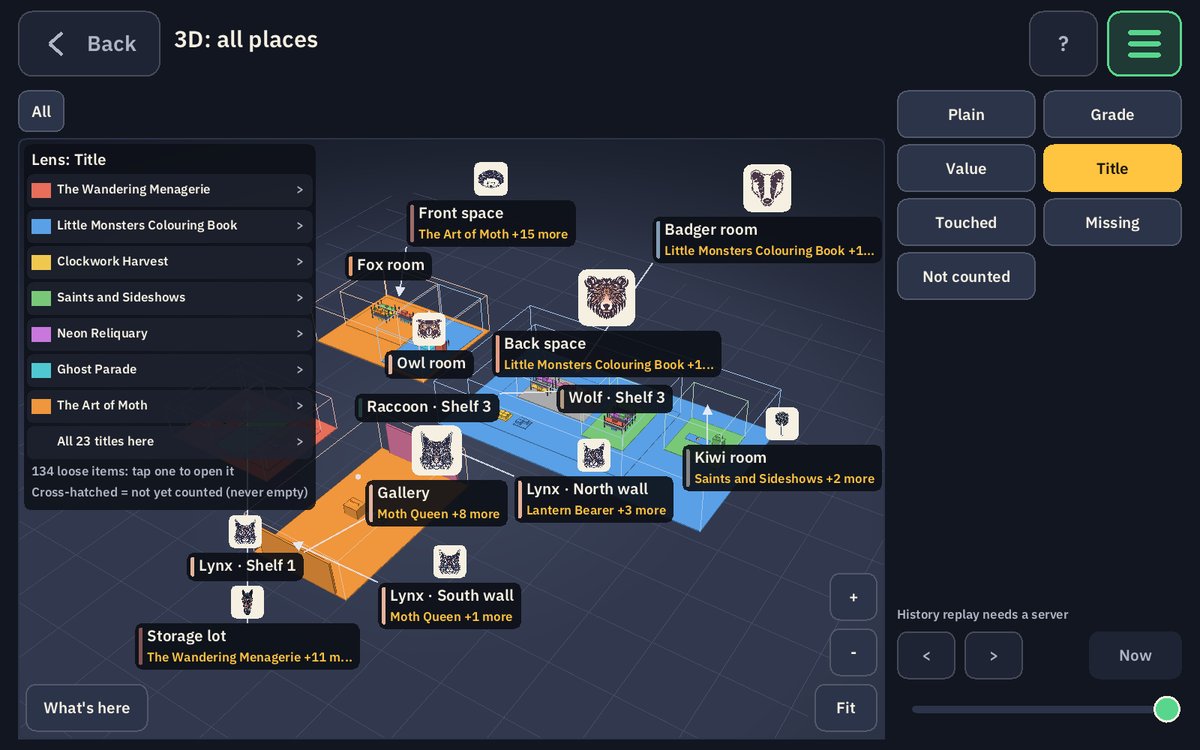
The 3D view is the same warehouse the floor screens record, built from the record itself. Switch the lens and the same rooms answer a different question: what grade is it, what is it worth, which title is where, what nobody has counted yet. Drill into any room, shelf or box, and tap anything you see.
The plain facts
- Who it is for
- Businesses that hold stock and need to know where every piece of it is.
- How you get it
- A licence, set up with each business on its own server. Nothing to download here.
- Runs on
- iPhone, iPad, Android phones and tablets, Mac and Windows, in portrait or landscape.
- Made by
- Fossa Tracks, Inc., the company behind Haunted Space Hotel Studios.
- The game about it
- HexMenagerie
- Talk to us
- Contact us about HexTracker. A person answers.